
How to Structure H1 and H2 Tags
Learn how to structure H1 and H2 tags with good and bad HTML examples, a hierarchy checklist, and tips for AI extractability.
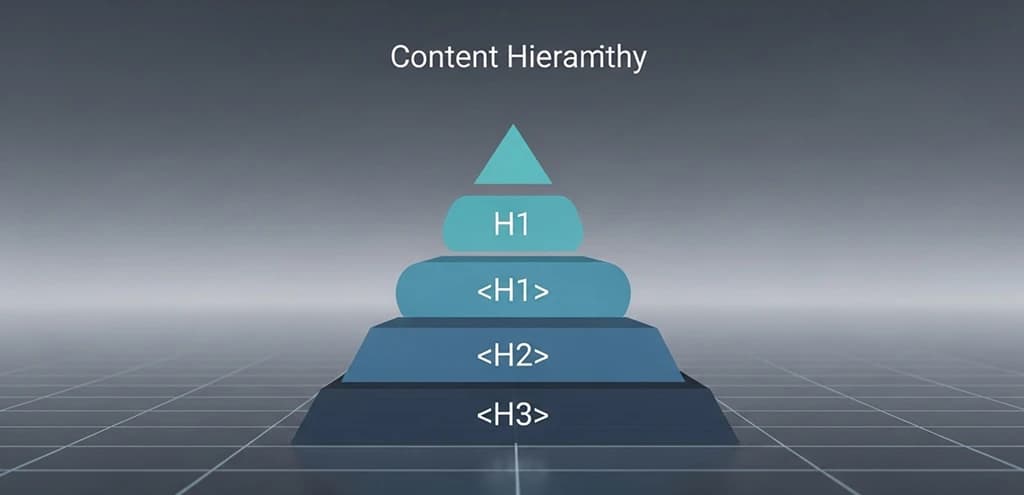
H1 and H2 tags define the visible structure of a page. They make content easier to scan, improve accessibility, and give search systems stronger clues about how the page is organized.
The goal is not to force keywords into headings. It is to create a clear hierarchy where the H1 sets the main topic and the H2s break the topic into useful sections that match user questions and subtopics.
H1 Tag: The Rules
The H1 is the primary title of the page content. Three rules apply:
- One H1 per page. Multiple H1 tags make it harder for search engines and screen readers to identify the main topic.
- Include the primary keyword. The H1 should clearly state what the page is about.
- Place it first. The H1 should appear at the top of the main content area, before any H2s.
A common mistake is using the site logo or navigation element as an H1, which makes every page on the site share the same heading. The actual content title should always hold the H1 tag.
H2 Tags: Breaking the Topic Into Sections
H2 tags segment the content into logical sections. Each H2 should cover a distinct subtopic that expands on the H1.
Structure H2s around what users actually ask. If the H1 is "How to Choose a CRM," the H2s should cover the decision points: "What Features Matter Most," "Pricing Models Compared," "CRM for Small Teams vs Enterprise." These map to real user questions and increase your chances of appearing in People Also Ask and featured snippets.
Good vs Bad: HTML Examples
Bad structure — heading levels skipped, H1 repeated, headings used for styling:
<h1>SEO Guide</h1>
<h1>Best SEO Tips</h1>           <!-- ❌ Second H1 -->
<h4>Why SEO Matters</h4>         <!-- ❌ Skipped H2 and H3 -->
<h2>SEO Strategy</h2>
<h2>Best SEO Strategy</h2>       <!-- ❌ Repeats H1 keyword -->
<h2>Implementing SEO Strategy</h2><!-- ❌ No new information -->
Good structure — single H1, sequential hierarchy, each heading adds a distinct subtopic:
<h1>How to Improve Site Speed for SEO</h1>
<h2>Why Page Speed Affects Rankings</h2>
<h3>Core Web Vitals Thresholds</h3>
<h3>Speed and Mobile-First Indexing</h3>
<h2>Diagnosing Speed Issues</h2>
<h3>Using PageSpeed Insights</h3>
<h3>Interpreting Waterfall Charts</h3>
<h2>Fixes That Make the Biggest Difference</h2>
<h3>Image Optimization</h3>
<h3>Reducing JavaScript Blocking</h3>
<h3>Server Response Time</h3>
In the good example, reading just the headings gives you a clear table of contents. Each heading adds a distinct concept. No levels are skipped.
Heading Structure for AI Extractability
Headings are not just for readers and search engines. AI systems (ChatGPT, Perplexity, Google AI Overviews) use heading structure to identify extractable answers. When an AI needs to answer "How do I fix slow page speed?", it looks for a heading that matches the question and pulls the text that follows.
To make your content more citable by AI:
- Use answer-first section openings. Start the paragraph after each H2 with the direct answer, then expand. AI systems extract the first 1-2 sentences under a heading more often than content buried in the middle of a section.
- Make headings specific, not generic. "Fixes That Make the Biggest Difference" is extractable. "Tips" is not.
- Use H2s as natural question anchors. If a user might ask "Does page speed affect rankings?", use that as an H2. The AI can then extract the H2 + first paragraph as a citation unit.
For more on structuring content for AI citation, see Optimize for AI Search Results.
Checklist for New Content
- Write the H1 using the primary keyword. Verify it is the only H1 on the page.
- Outline 4-8 H2s that address the main subtopics. Each should cover a distinct question or decision point matching user intent.
- Add H3s under H2s where a section needs further breakdown. Do not skip from H2 to H4.
- Include related terms naturally in headings where they add meaning — not as forced keyword variants.
- Review headings as a standalone list. Read them in order without the body text. They should function as a clear, complete table of contents.
Common Mistakes
- Using headings for styling. If you want larger or bolder text, use CSS. Heading tags denote structure, not visual emphasis.
- Keyword stuffing in headings. Repeating the same keyword across multiple H2s with minor variations signals low quality. Each heading should introduce a genuinely different concept.
- Too few headings for long content. A 3,000-word article with only an H1 and two H2s is not structured. Aim for roughly one H2/H3 per 300-400 words of content.
- Skipping heading levels. Going from H2 directly to H4 breaks the semantic hierarchy for both screen readers and search crawlers.
Quick takeaways
- Use headings to create structure, not just styling.
- A strong H1 defines the page topic; H2s should expand it logically.
- Good heading structure helps users, accessibility tools, search systems, and AI citation simultaneously.
Frequently Asked Questions (FAQ)
Q1: Is it acceptable to skip heading levels, such as going directly from H2 to H4?
No. Skipping heading levels compromises accessibility for screen readers and breaks the logical semantic structure that search engines rely on. Maintain a strict, nested order: H1 → H2 → H3 → H4.
Q2: How many H2 tags should a page contain?
It depends on content length and depth. A standard long-form article typically uses 4 to 10 H2 tags. The key is that each H2 covers a distinct subtopic — do not add headings just to hit a number.
Q3: Does the order of H2 tags matter for SEO?
Yes. Place the most important subtopics earlier in the sequence. Search engines and AI systems give more weight to content that appears higher on the page, and users are more likely to read the first sections.
References
- Google Search Central: SEO Starter Guide
- Google Search Central: Influencing your title links in search results
- Google Search Central: Creating helpful, reliable, people-first content